

Working

.

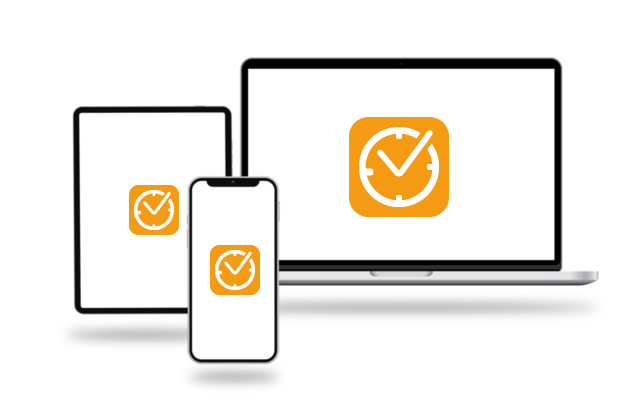
Digital Time Tracking - Accessible on Any Device, Anywhere, and Fully Compliant.

"The tool is incredibly simple to use."
"The calendar function is super handy."
"Checking public holidays and booking my vacation within Working is so easy."

What Is Working?

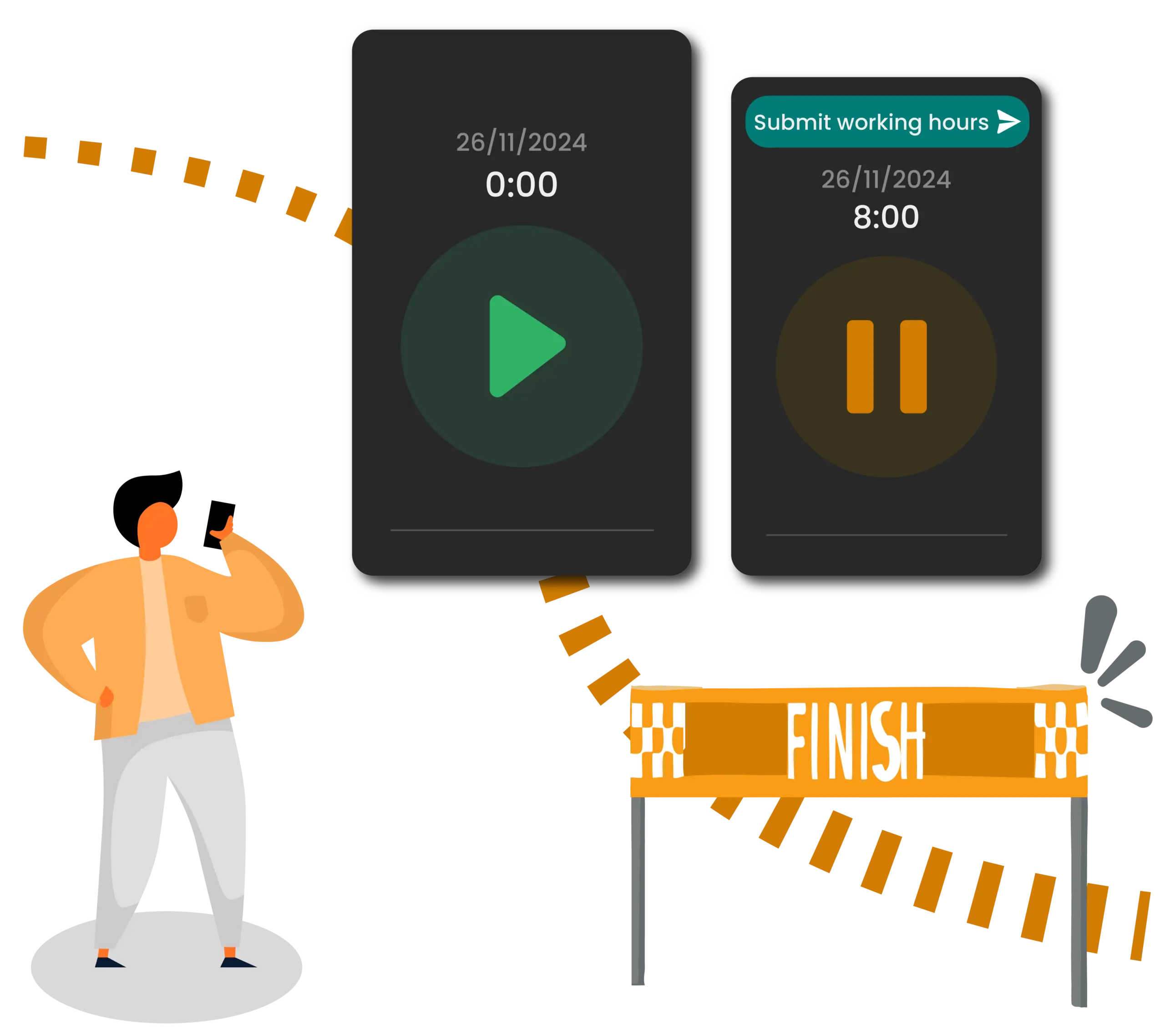
What if you could turn time tracking and absence management into an effortless routine rather than a tedious chore? Say goodbye to messy paperwork, chaotic Excel sheets, and constant legal compliance guesswork. Working tracks your working hours in real time. The solution captures hours in the office, from home, or on the go, while managing absences smoothly from anywhere.

Working is where transparency and fairness meet efficiency. Your data remains fully visible, your team gets the freedom to work flexibly, and everything balances perfectly at the end of the day, with zero manual effort. You do not need any extra IT infrastructure or complicated setups. Working is ready to deploy instantly and incredibly simple to operate.

Key Benefits at a Glance

Compliant Time Tracking

Secure, stress-free, and audit-ready.

Meet legal documentation requirements with minimal effort. Working stores your working hours securely to eliminate compliance risks, giving you full peace of mind with zero administrative guesswork.

Digital Leave & Absence Management

Requesting leave or reporting sick? Paperless and effortless.

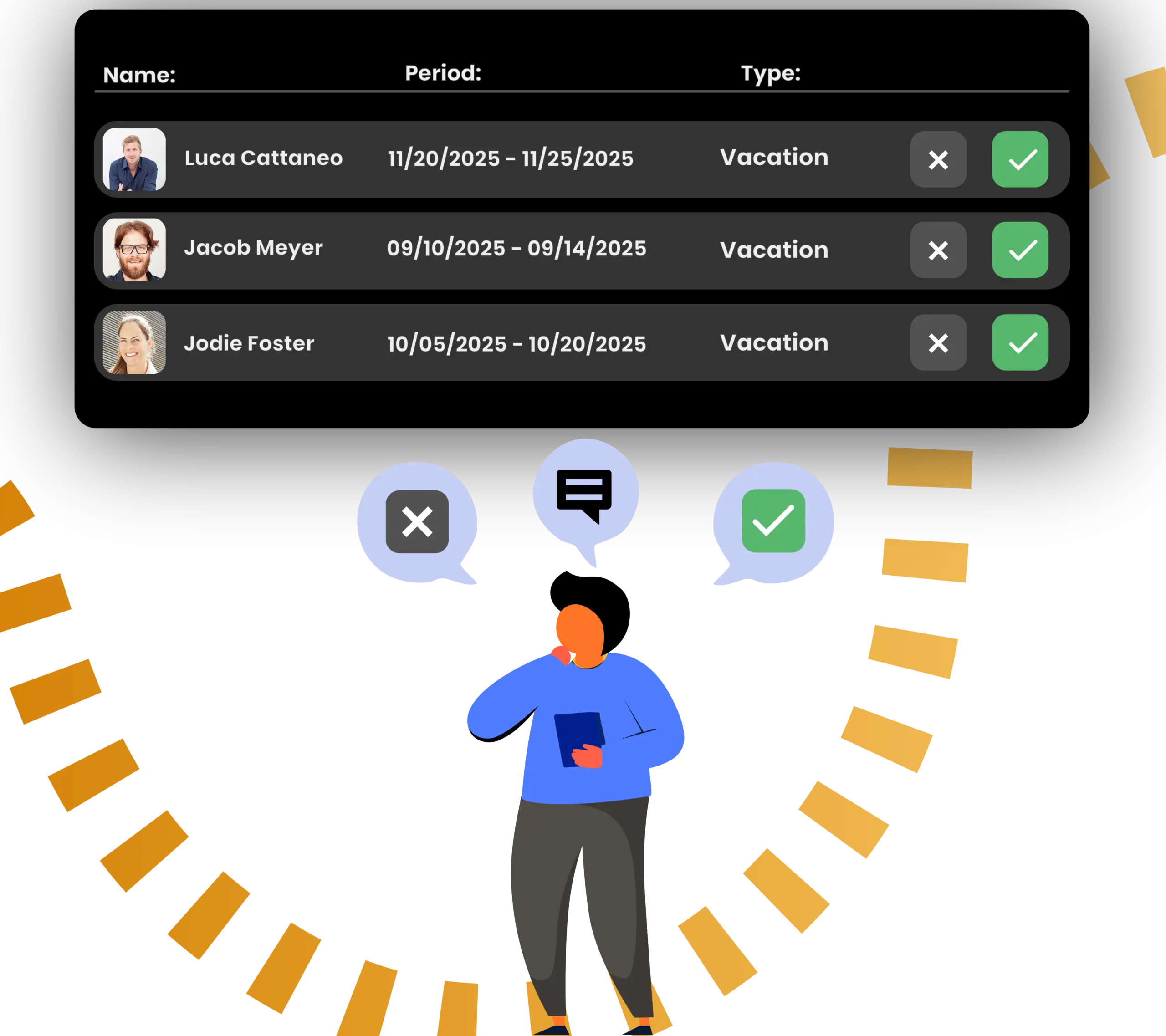
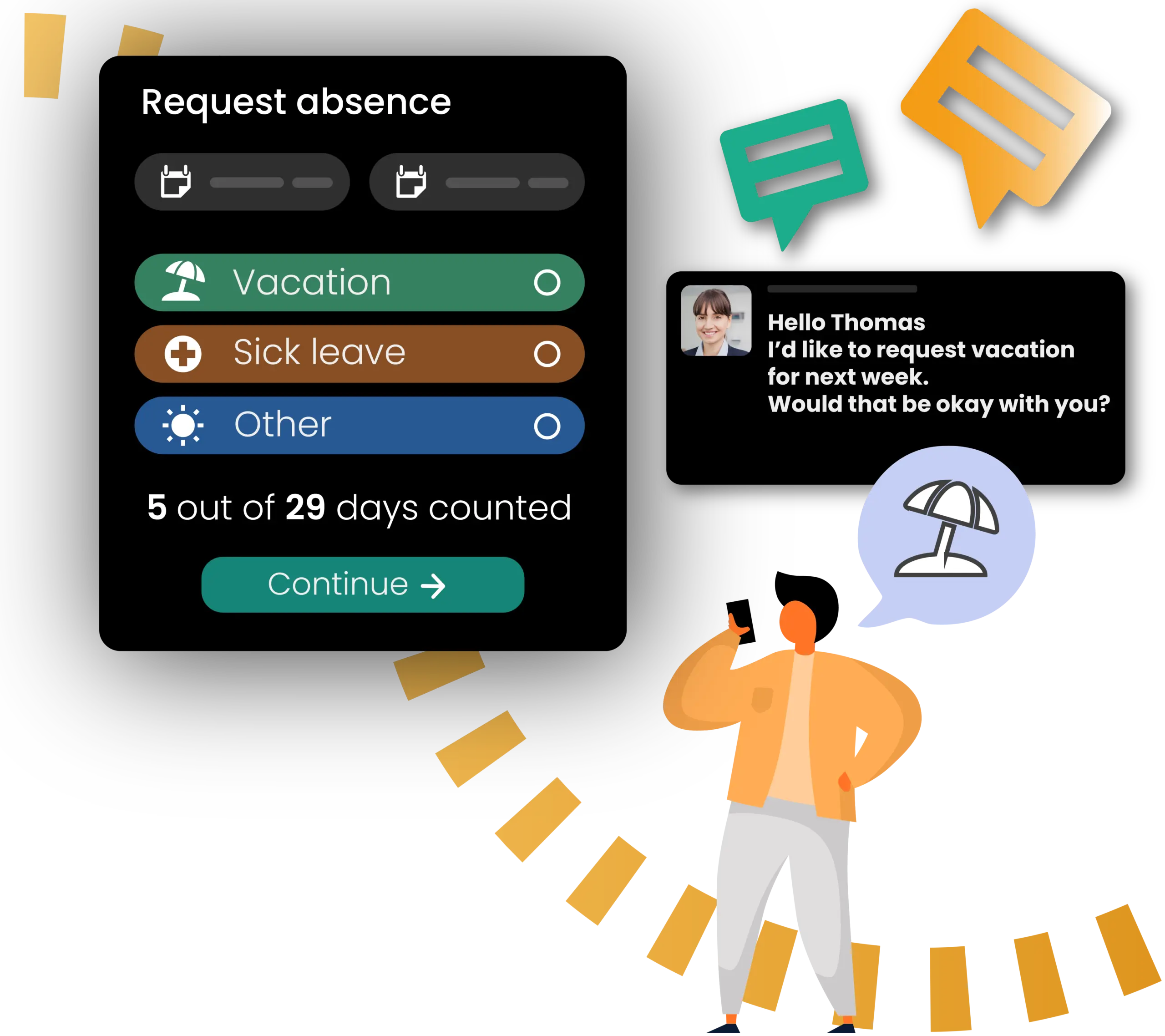
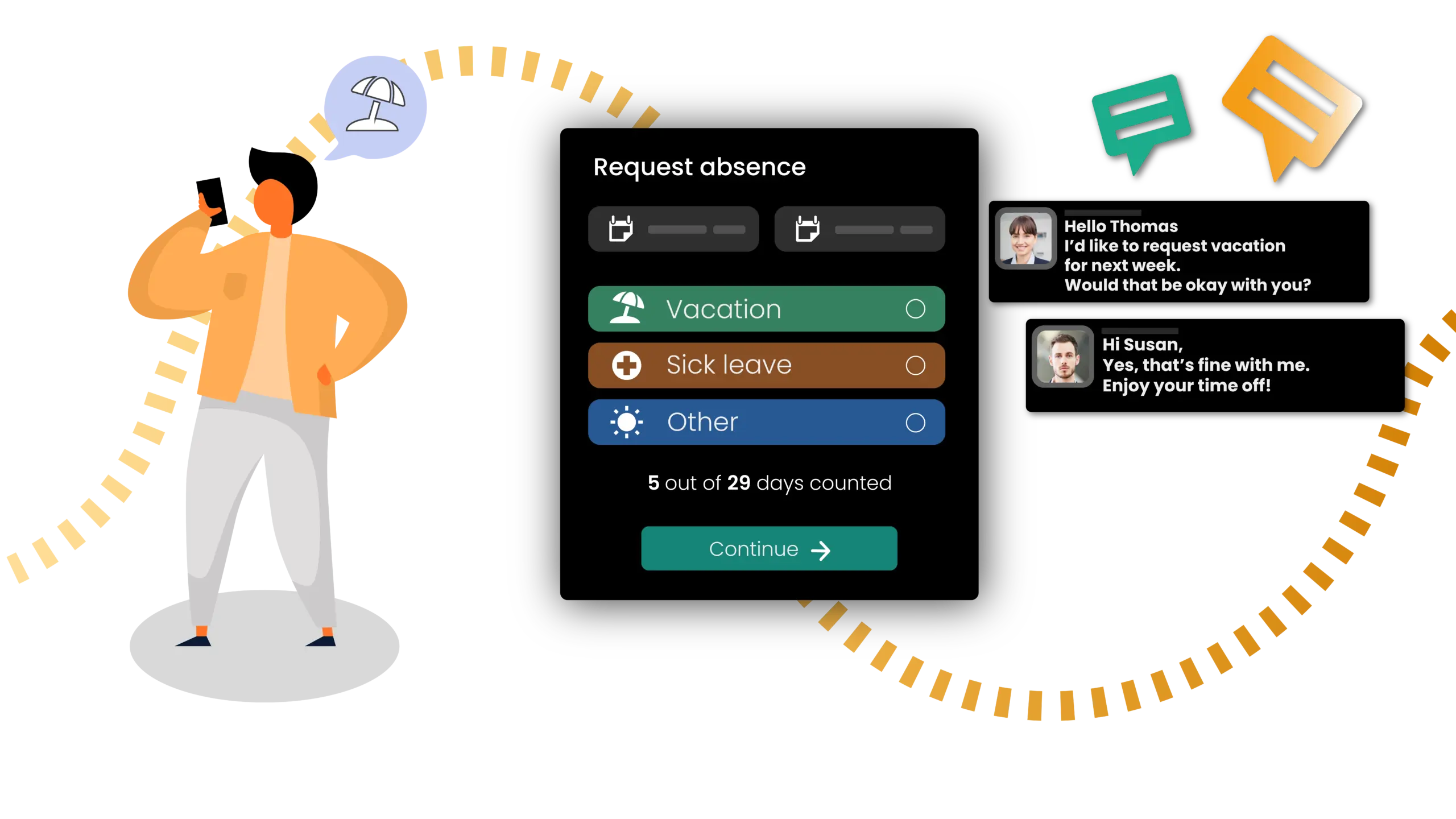
Requesting leave or reporting sick? Paperless and effortless. Your team members submit absence requests directly within Working, while you review and approve these requests from a single dashboard. Every update remains completely transparent, fully traceable, and accessible at any time.

Fast Setup & Deployment

Ready to go without delay.

Whether managing different working hour models or specific department regulations, Working lets you configure everything in just a few clicks. You can adapt these settings immediately whenever your requirements change.

Available Anytime & Anywhere

Flexibility that empowers your team.

Whether managing different working hour models or specific department regulations, Working lets you configure everything in just a few clicks. You can adapt these settings immediately whenever your requirements change.

Available Anytime & Anywhere

Flexibility that empowers your team.

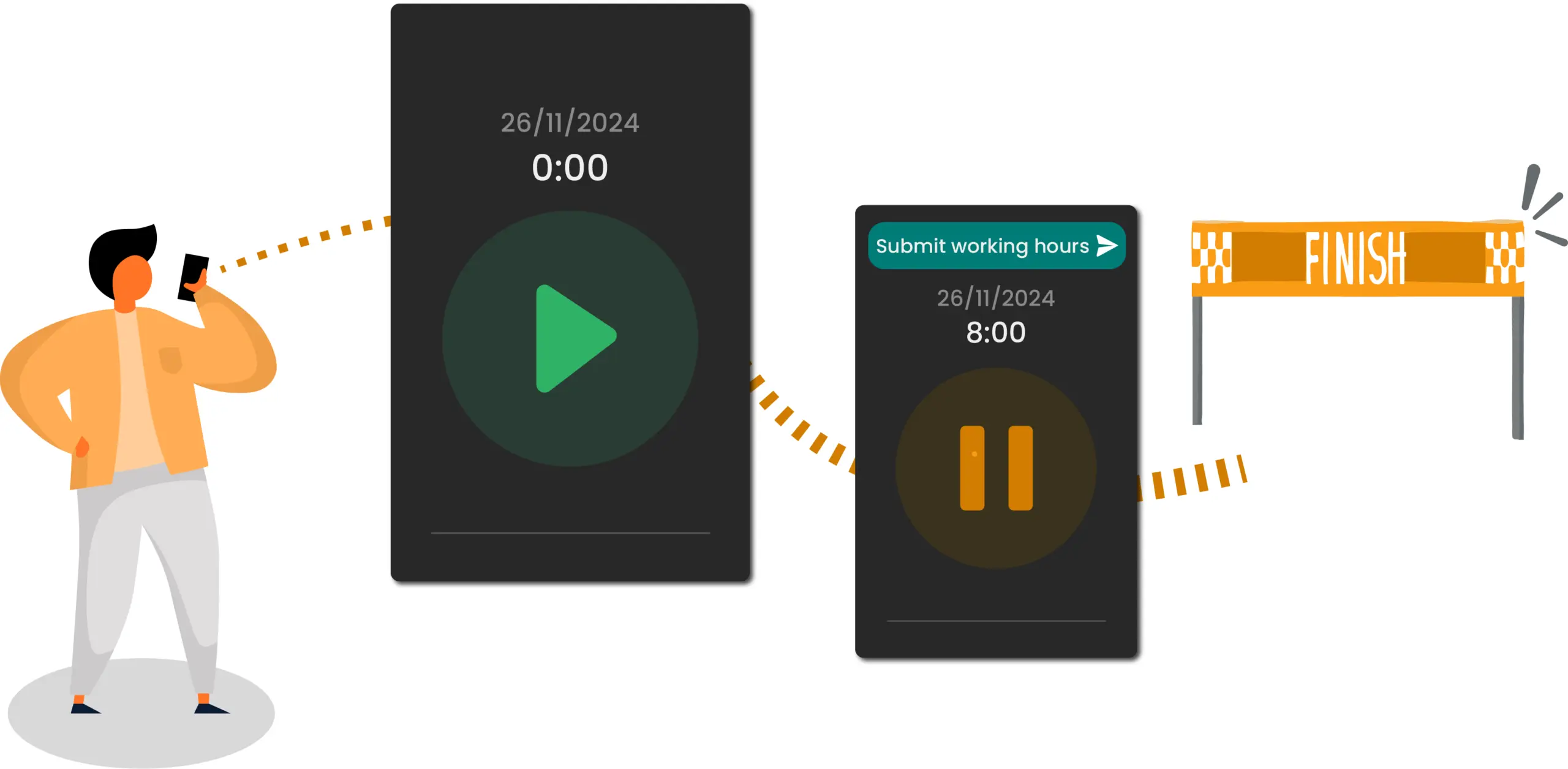
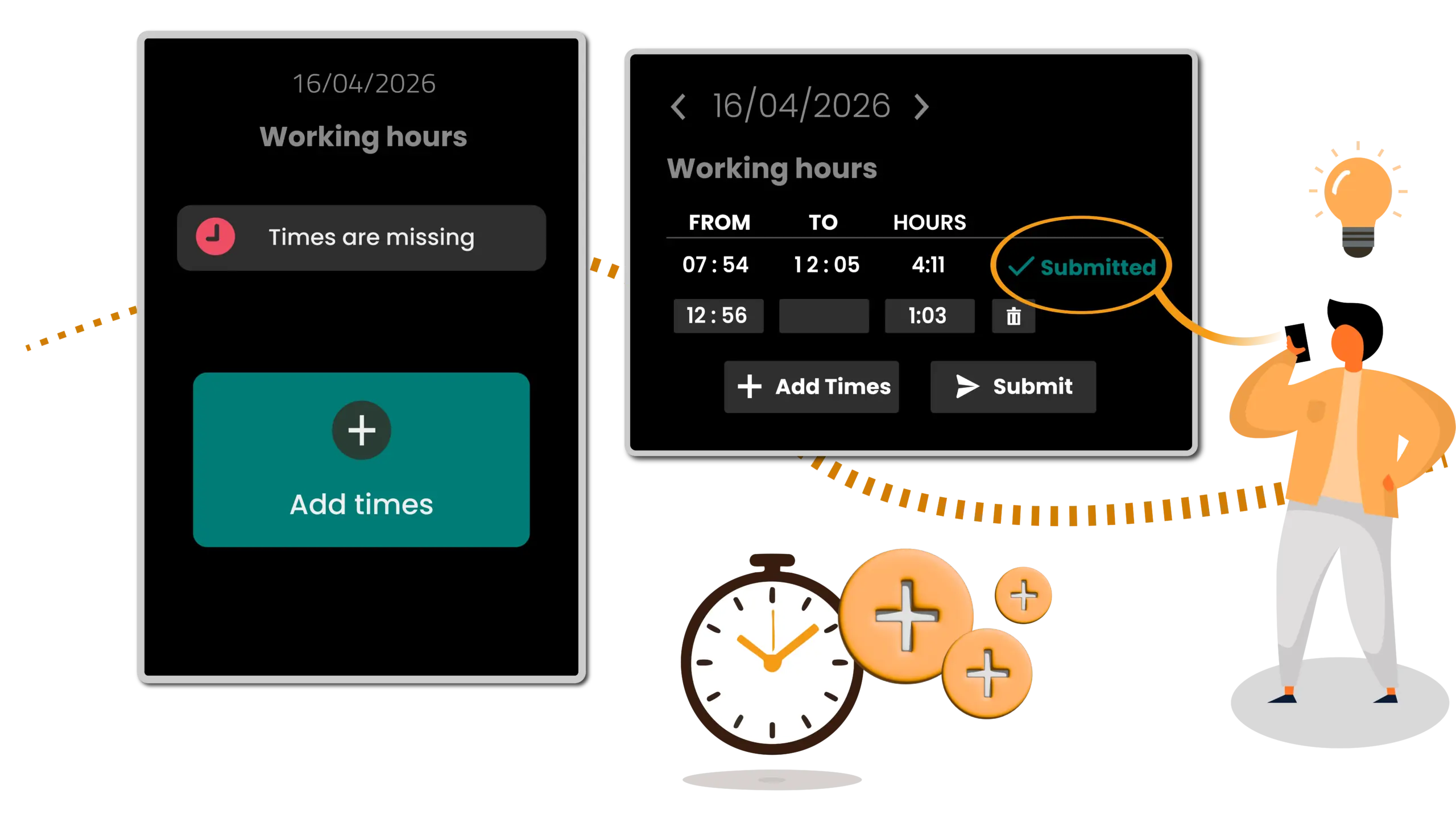
Your team members can track their working hours from any location, whether on a computer, smartphone, or on the go. Thanks to real-time synchronization, all data is always up to date.

Transparent Time Tracking

Accurate records that build workforce trust.

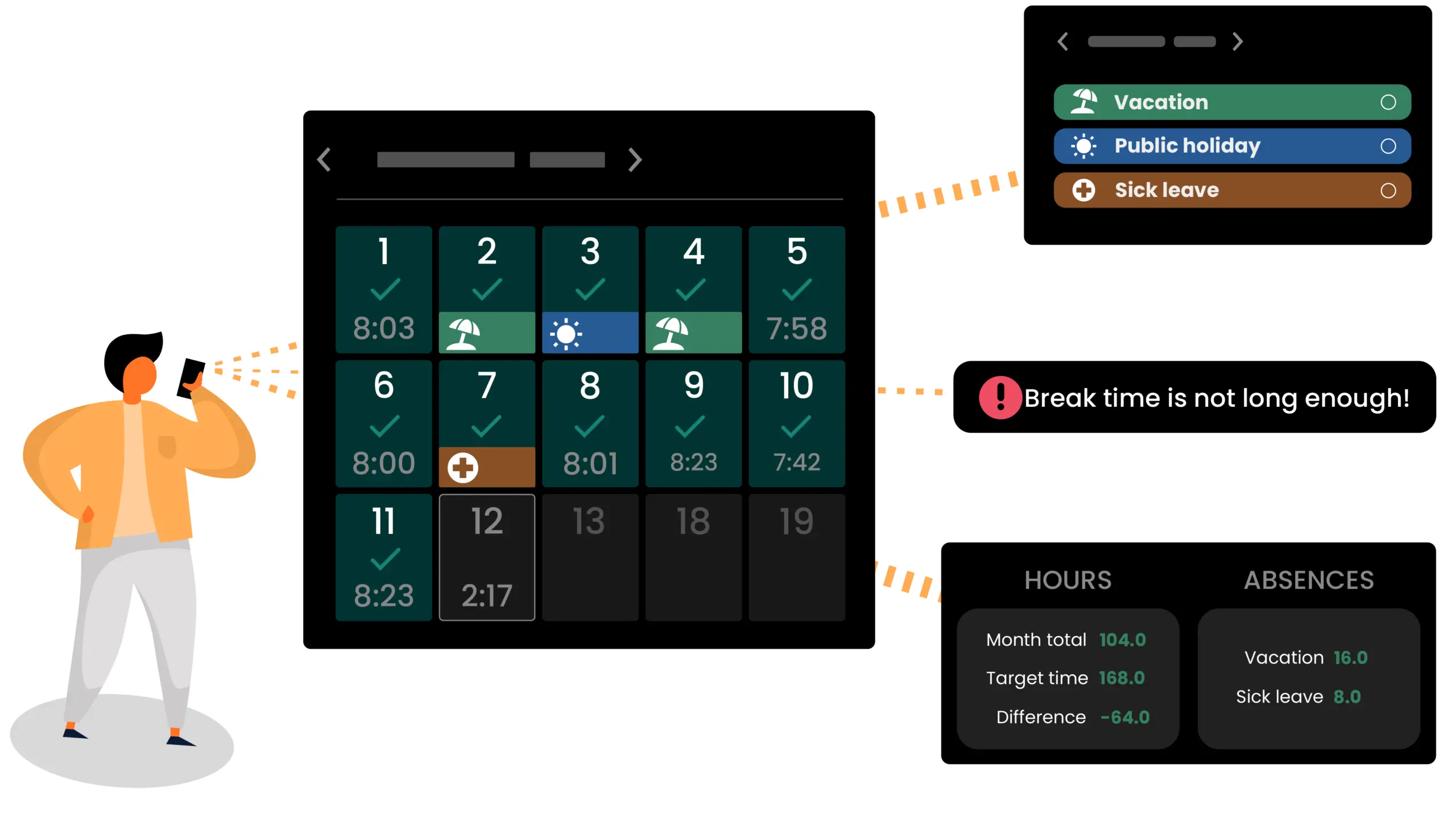
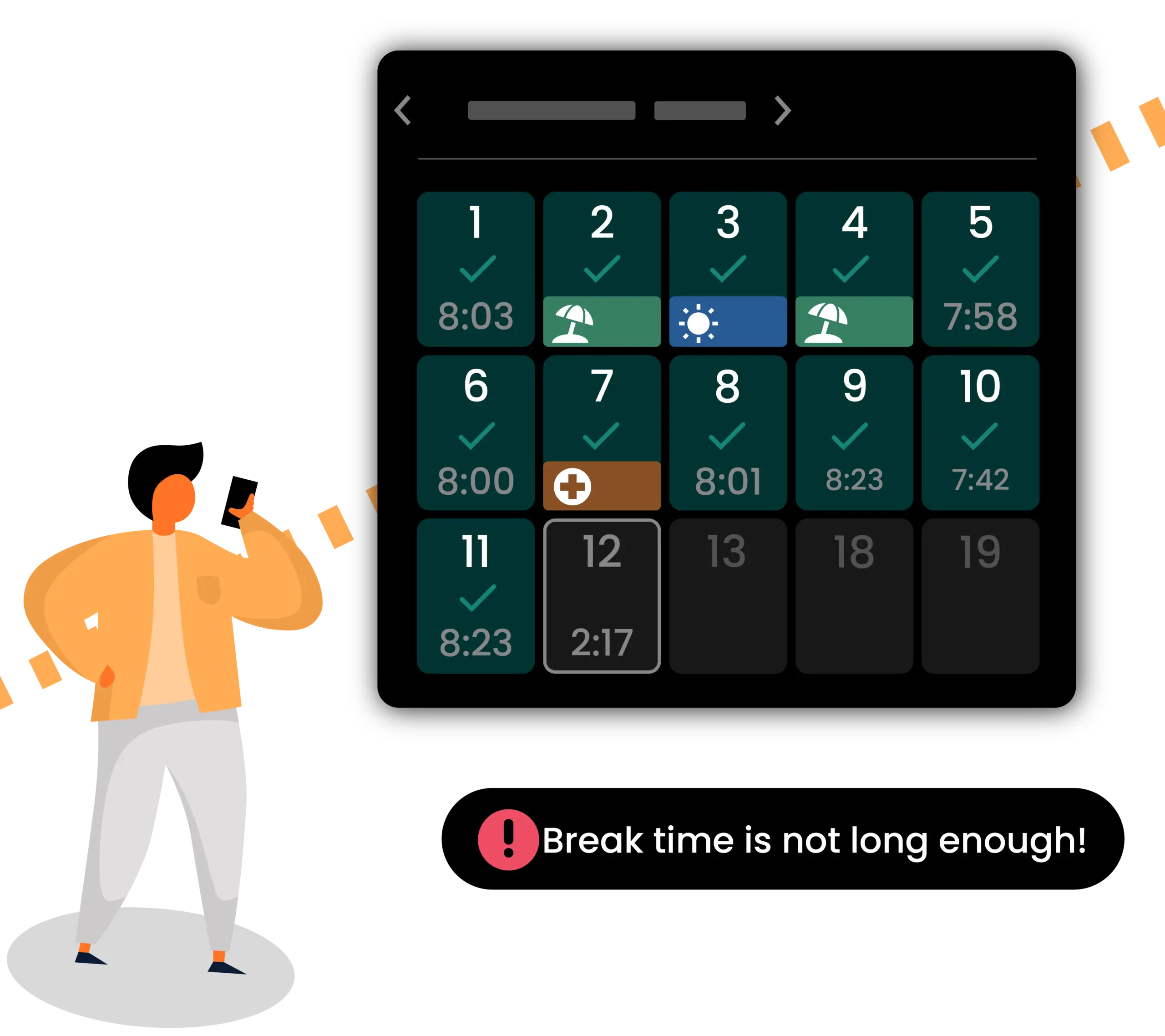
The software enables users to track their working hours at any time, including overtime and rest periods. This visibility ensures absolute clarity, minimizes internal inquiries, and delivers fully traceable working time management.

The Right Solution for Every Role

How Working Empowers Your Workforce

Working Manager App
Setting Up Flexible Working Time Regulations

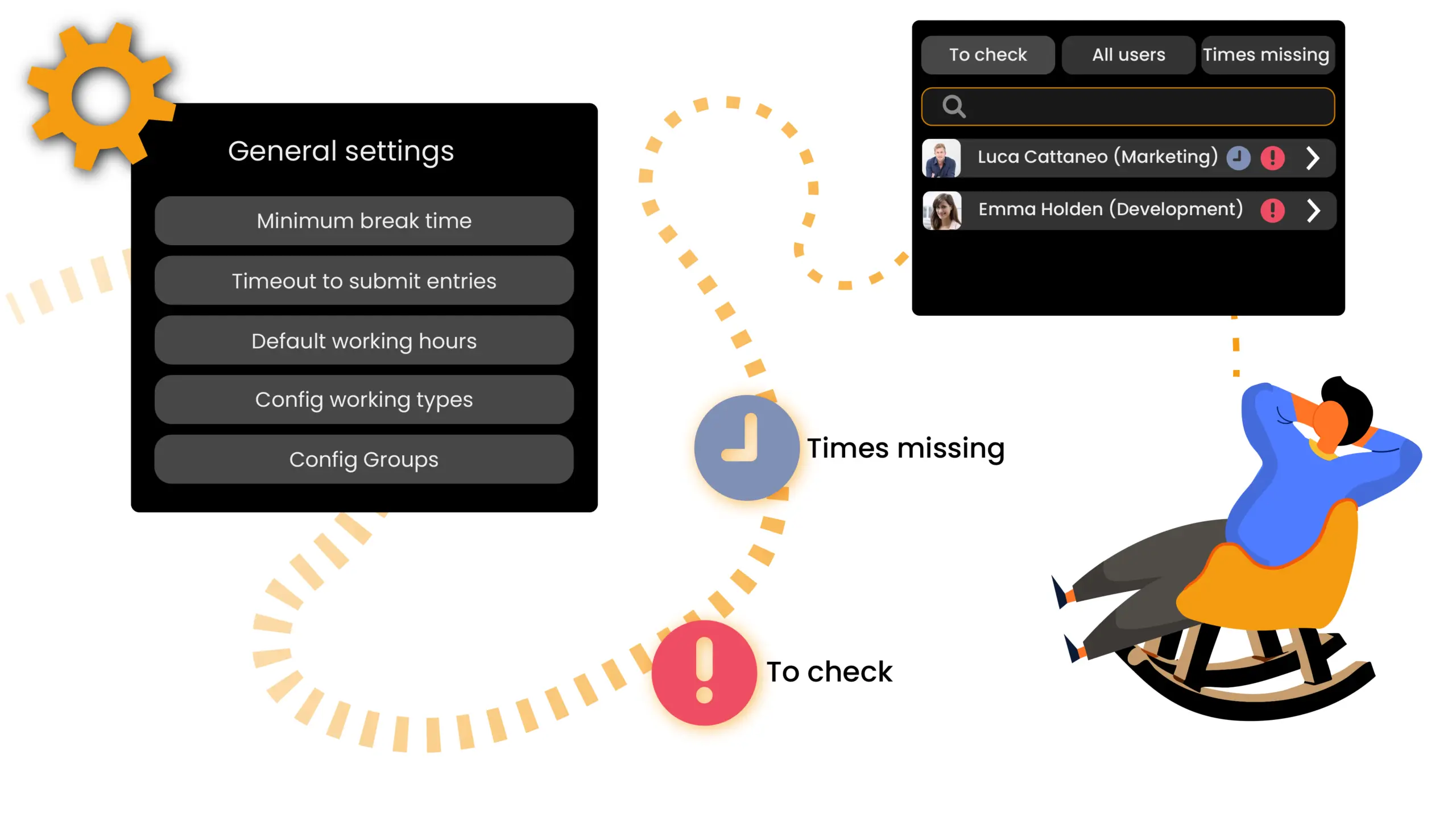
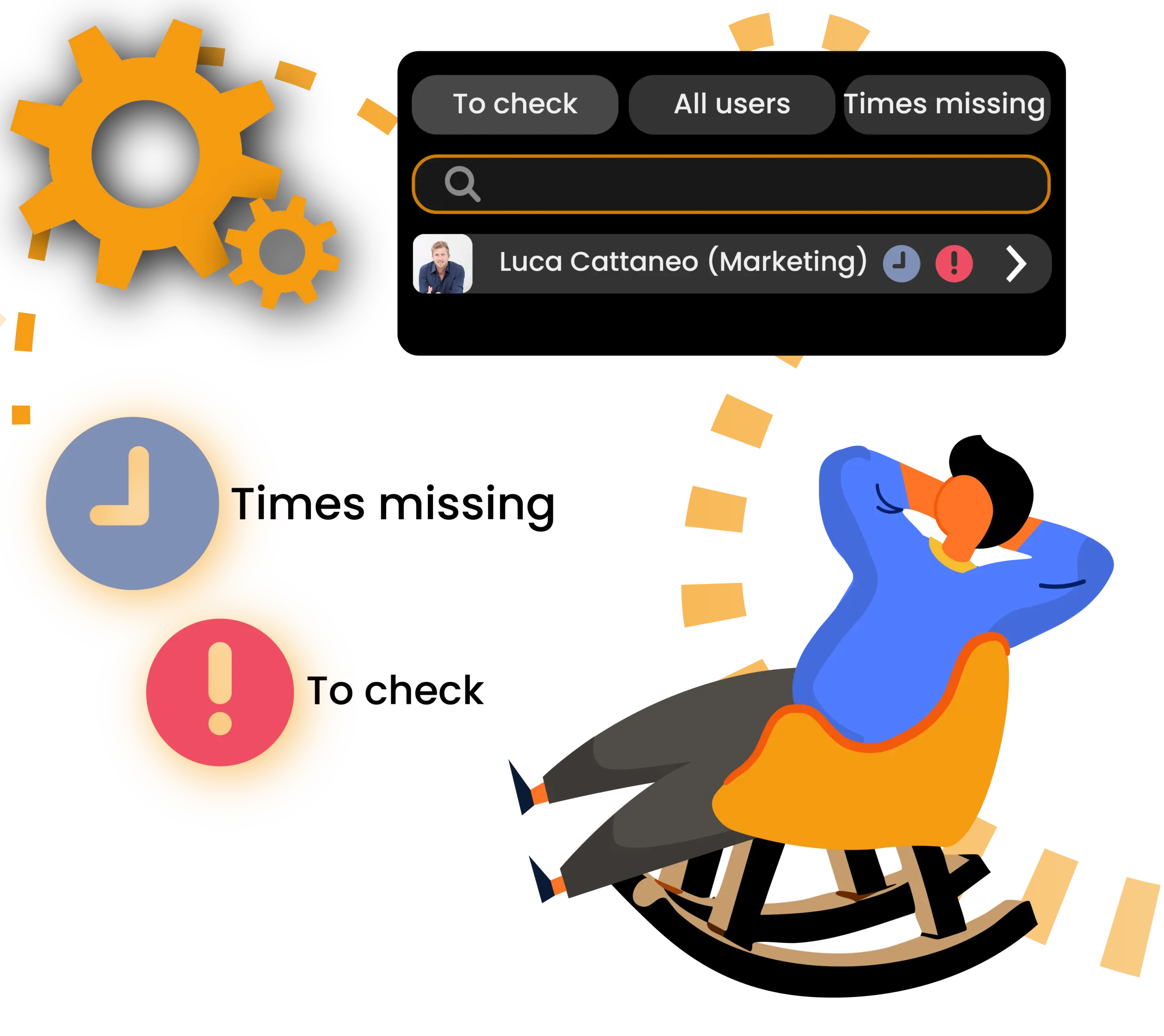
Define the precise working time regulations for your workforce. You can easily align these settings with legal requirements or your own company policies. Adjust everything flexibly to match your specific business needs. Working sends you automated alerts if hours are missing or in cases of non-compliance. You can then address the relevant team members with just a few clicks.
Setting Up Flexible Working Time Regulations

Define the precise working time regulations for your workforce. You can easily align these settings with legal requirements or your own company policies. Adjust everything flexibly to match your specific business needs. Working sends you automated alerts if hours are missing or in cases of non-compliance. You can then address the relevant team members with just a few clicks.
Plan Ahead and Avoid Bottlenecks

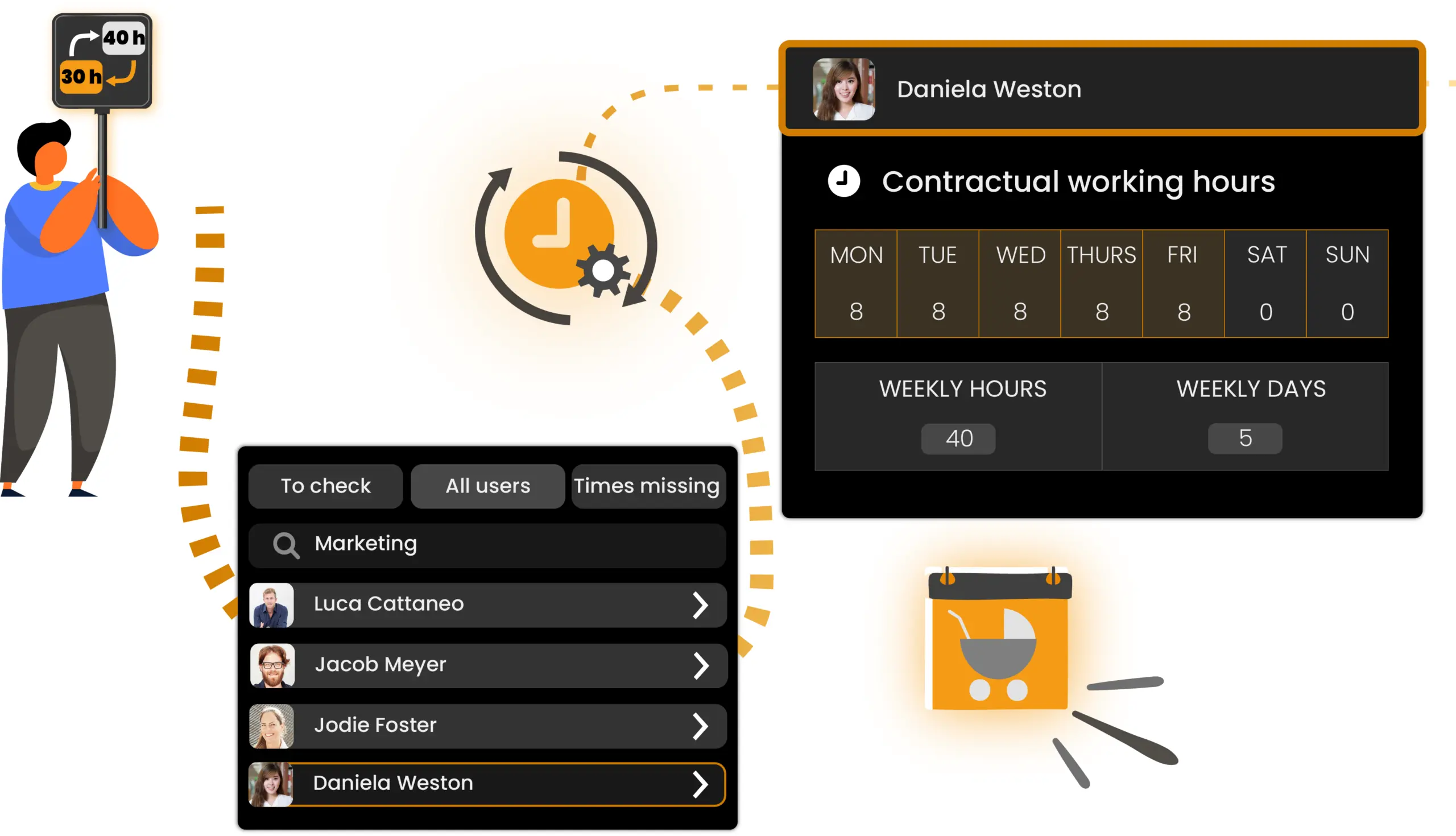
Stay informed about upcoming team availability and adapt schedules effortlessly. Working allows you to implement updates quickly and flexibly for parental leave, part-time arrangements, or changes in working hour models. Create individual user groups for different departments or schedules. This transparency ensures reliable data and lets you apply changes to entire teams with just a few clicks.
Plan Ahead and Avoid Bottlenecks

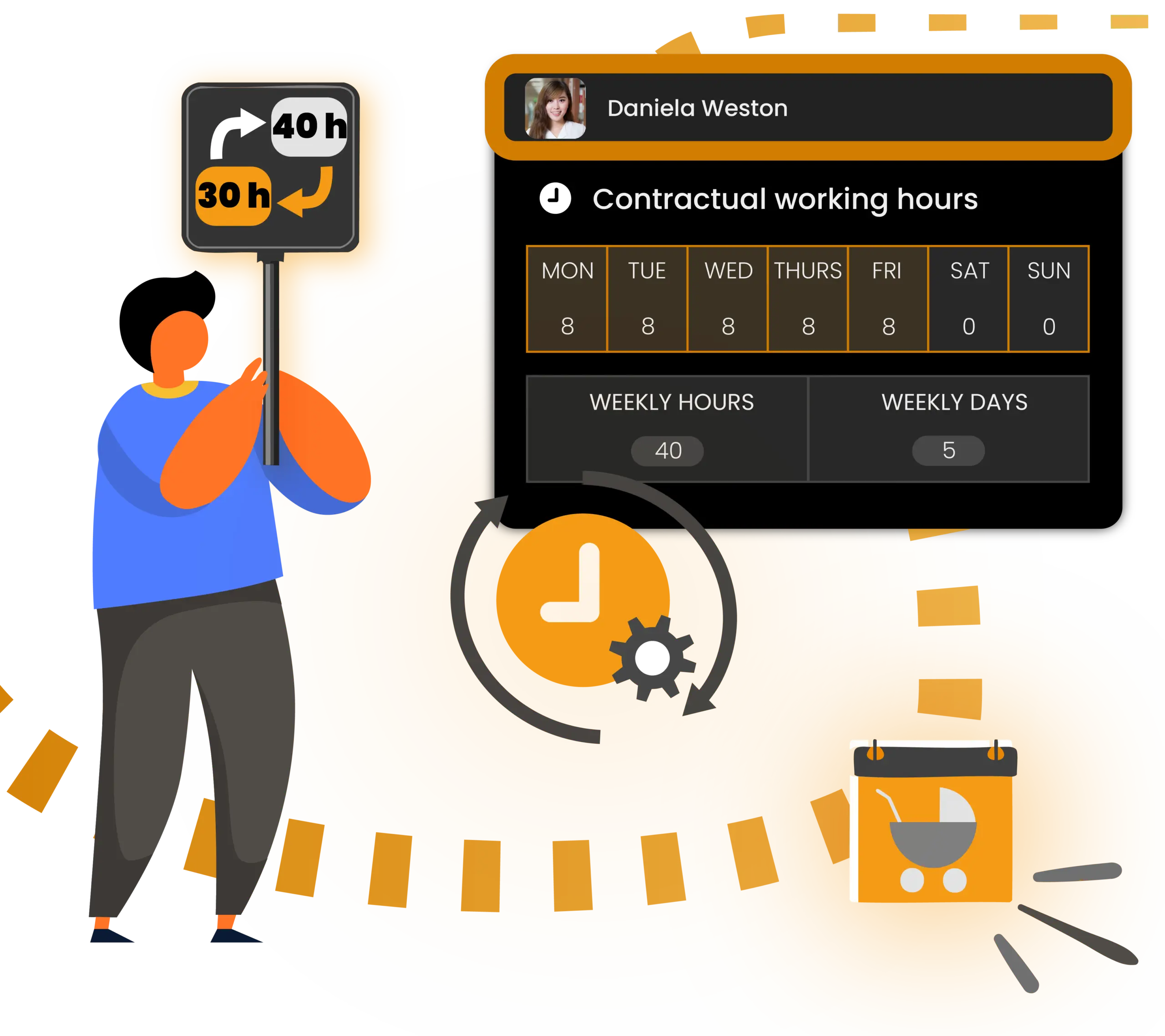
Stay informed about upcoming team availability and adapt schedules effortlessly. Working allows you to implement updates quickly and flexibly for parental leave, part-time arrangements, or changes in working hour models. Create individual user groups for different departments or schedules. This transparency ensures reliable data and lets you apply changes to entire teams with just a few clicks.

Centrally Manage Leave & Absence Requests

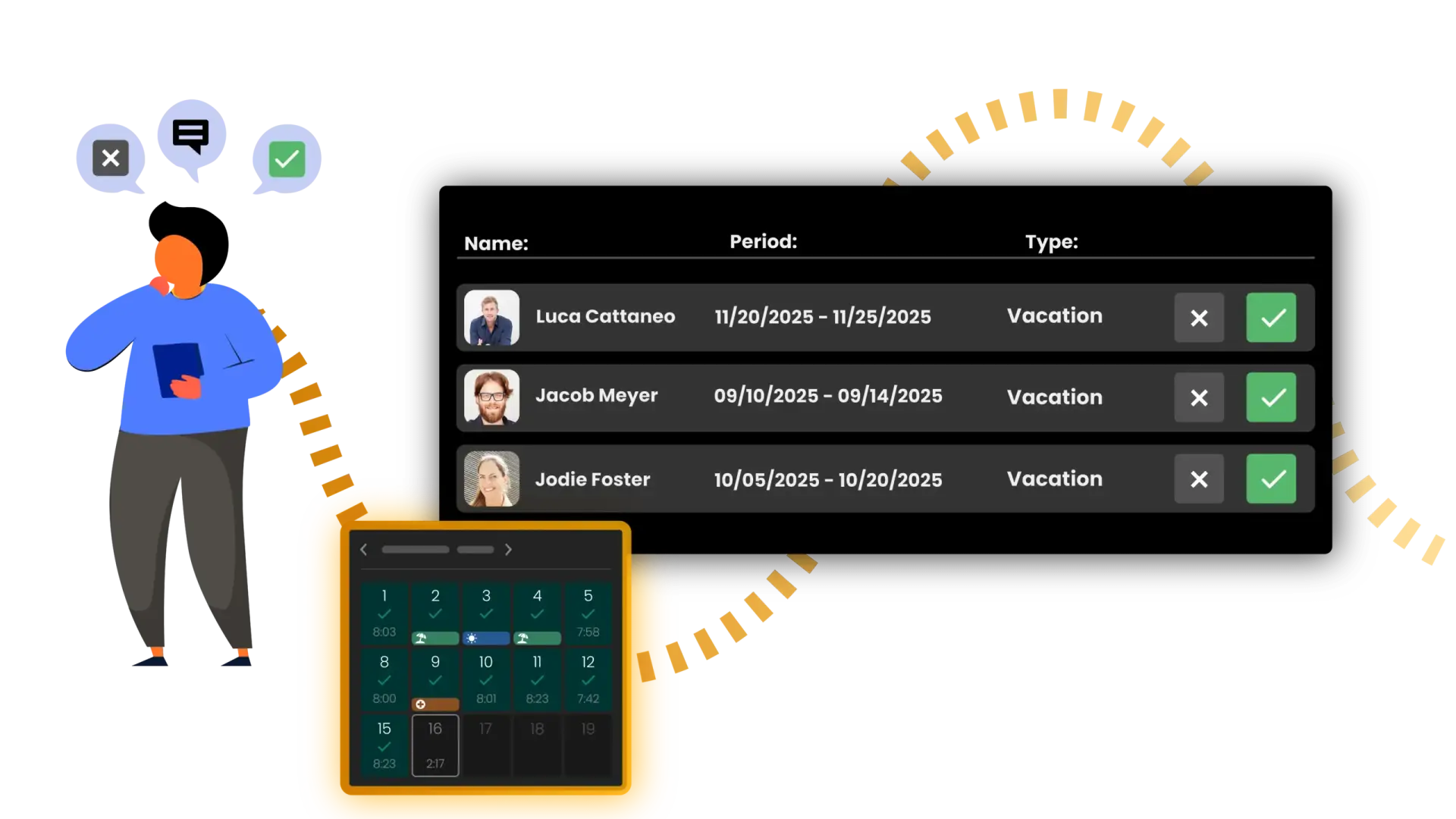
Review every leave and absence request from a single dashboard. You can add comments, approve requests, or decline them all in one place. Working shows you immediately who is available and where scheduling conflicts occur. Define different absence types such as annual leave, sickness, parental leave, or sabbaticals flexibly to match your company policies. The software transparently documents all changes, approvals, and comments, while allowing users to resolve inquiries directly within the system.
Centrally Manage Leave & Absence Requests

Review every leave and absence request from a single dashboard. You can add comments, approve requests, or decline them all in one place. Working shows you immediately who is available and where scheduling conflicts occur. Define different absence types such as annual leave, sickness, parental leave, or sabbaticals flexibly to match your company policies. The software transparently documents all changes, approvals, and comments, while allowing users to resolve inquiries directly within the system.
Frequently Asked Questions

Everything you need to know about the platform.

Working helps you manage working hours, overtime, vacation, and other absences in a simple and digital way. The software replaces paperwork and Excel spreadsheets by bundling all data together in a single dashboard. This process ensures transparency and accessibility to relevant information. Working saves employees and HR managers valuable time, reduces administrative effort, and maintains full compliance regarding team availability.

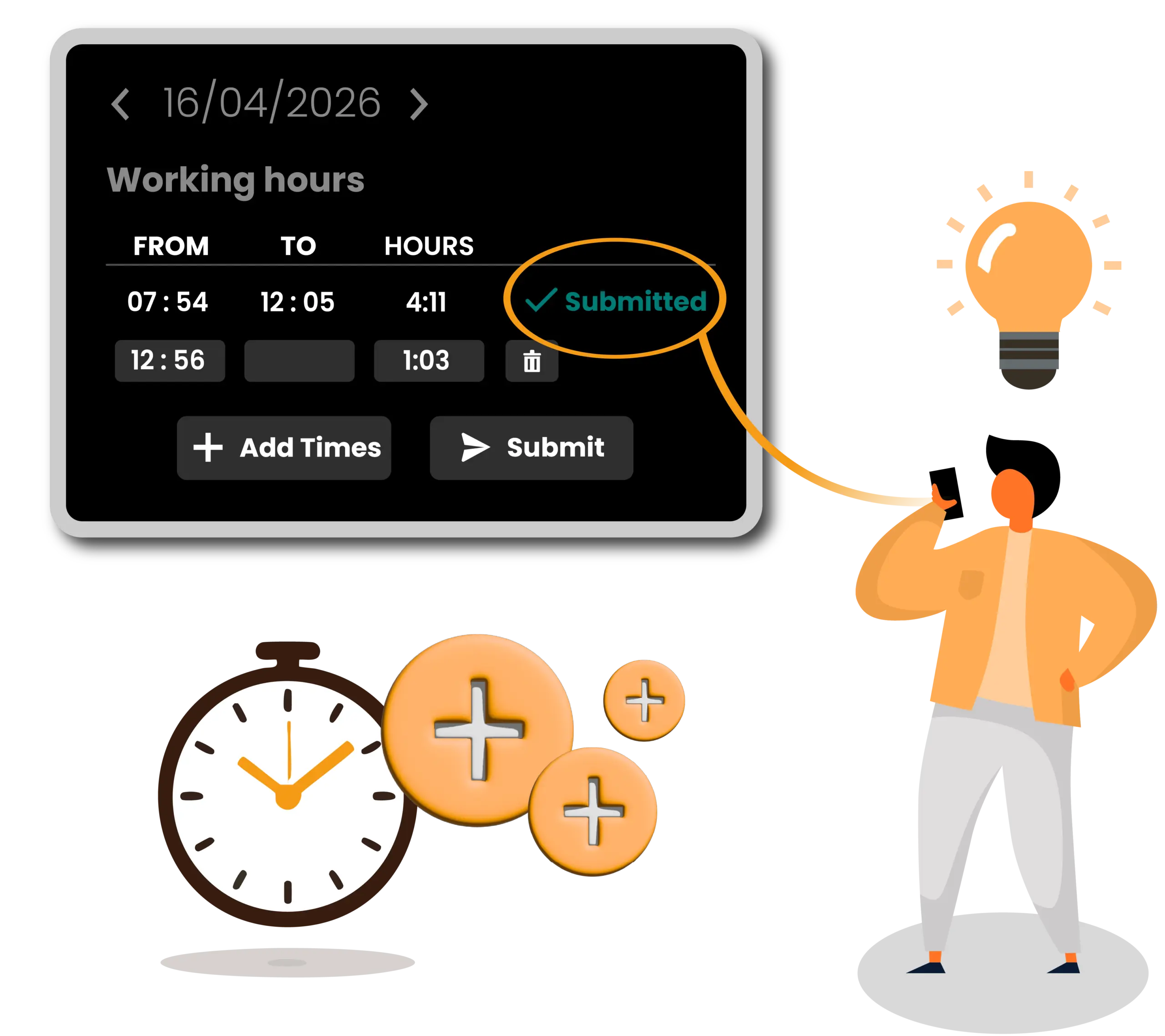
Yes. You can easily enter forgotten hours or adjust your entries before submitting them. This flexibility ensures your time tracking data remains accurate and complete at all times.

Yes. You receive an automated alert as soon as HR or your manager reviews your request. Working transparently documents all comments, approvals, and declines for your immediate review at any time. You can also handle further communication through a private chat in Connect. This discussion remains visible only to you and your responsible manager, keeping all relevant information in a single dashboard. If you prefer, you can also activate email notifications.

Yes. Working supports you in meeting all legal requirements for working time tracking easily and reliably. The software documents your working hours securely to eliminate compliance risks. This transparent process reduces administrative effort and protects your business from legal complications.

Working adapts flexibly to your requirements, whether you lead a small team, a medium-sized company, or a growing business. You can easily manage and expand different user groups, departments, and working hour models at any time. The software scales seamlessly with your growing business.

Yes. Working is specifically tailored to different roles within your company. Employees use a simple interface to track working hours and manage absences. HR managers and team leads receive additional functions to approve requests and coordinate team availability.

This structure ensures the app remains straightforward for employees, while administrators and HR keep all core administrative functions in a single dashboard.

Are You Ready?

Working Is Accessible From All Your Devices